Can I Open My Garage Door With My Phone?
Can I open my garage door with my phone? Yes! Learn how smart garage openers work, top apps, setup tips, and security advice.
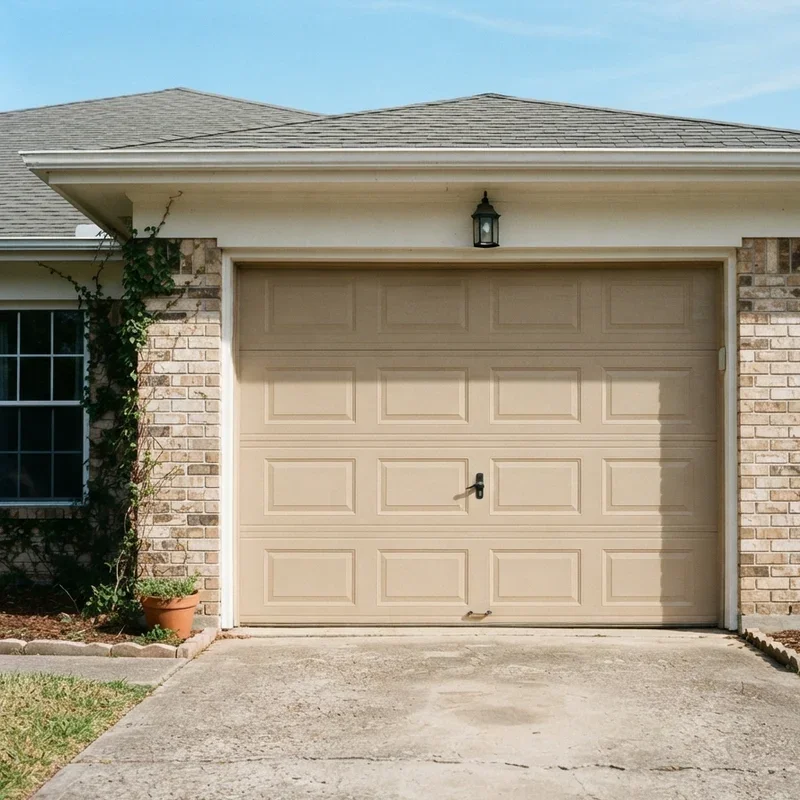
Let's be honest for a second. We've all been there. You're sitting in your car, rain pouring down like cats and dogs, and you realize the garage remote is sitting on the kitchen counter. Or maybe you're halfway across town and suddenly wonder whether you actually closed the garage before leaving. It's one of those nagging feelings that just won't quit, right?
Well, here's the good news. Technology has finally caught up with our forgetful habits. The question "Can I Open My Garage Door With My Phone?" is one that thousands of homeowners ask every single day, and the answer is a resounding yes. In fact, turning your smartphone into a garage door remote is easier than you might think, and it doesn't require a degree in engineering or a fat wallet to make it happen.
Over the past few years, smart home technology has exploded in popularity. From voice assistants to smart thermostats, people are looking for ways to make their lives just a little bit more convenient. And honestly, controlling your garage door from your phone is one of the simplest and most practical upgrades you can make to your home. It's the kind of thing that, once you try it, you'll wonder how you ever lived without it.
In this guide, we're going to walk you through everything you need to know about opening your garage door with your phone. We'll cover how the technology works, what devices and apps are available, how to set things up, and what security measures you should keep in mind. So grab a cup of coffee, settle in, and let's dive right into it.
How Does Phone-Controlled Garage Door Access Actually Work?
Before we get into the nuts and bolts of specific products and apps, it helps to understand the basic technology behind this whole setup. At its core, the concept is pretty straightforward. A smart garage door controller connects to your home Wi-Fi network and communicates with an app on your phone. When you tap the button in the app, it sends a signal through the internet to the controller, which then triggers your garage door opener to do its thing.
Think of it like a digital middleman. Instead of pressing a physical button on a remote control that sends a radio signal directly to the opener, your phone sends a command over the internet to a small device attached to your existing garage door motor. That device translates the digital command into the same kind of signal your traditional remote would send.
The beauty of this system is that most smart garage controllers work with your existing garage door opener. You don't need to rip out your current setup and start from scratch. In most cases, you're simply adding a small device that bridges the gap between your old-school opener and your shiny new smartphone.
Wi-Fi Based Controllers
The most common type of smart garage controller relies on your home Wi-Fi network. These devices connect to your router and use your internet connection to receive commands from your phone. The advantage here is range. Since the signal travels over the internet, you can open or close your garage door from literally anywhere in the world, as long as you have a data connection on your phone.
Bluetooth Based Options
Some garage door controllers use Bluetooth instead of Wi-Fi. These tend to be simpler and often more affordable, but they come with a significant limitation. Bluetooth has a much shorter range, typically around 30 to 50 feet. So you'd need to be relatively close to your garage for the connection to work. For most people, Wi-Fi based options make a lot more sense.
Integrated Smart Openers
If you're building a new home or replacing your garage door opener entirely, you might want to consider a unit that comes with smart features built right in. Several major manufacturers now offer garage door openers with integrated Wi-Fi and companion apps. This eliminates the need for a separate add-on device and usually provides a smoother, more reliable experience overall.
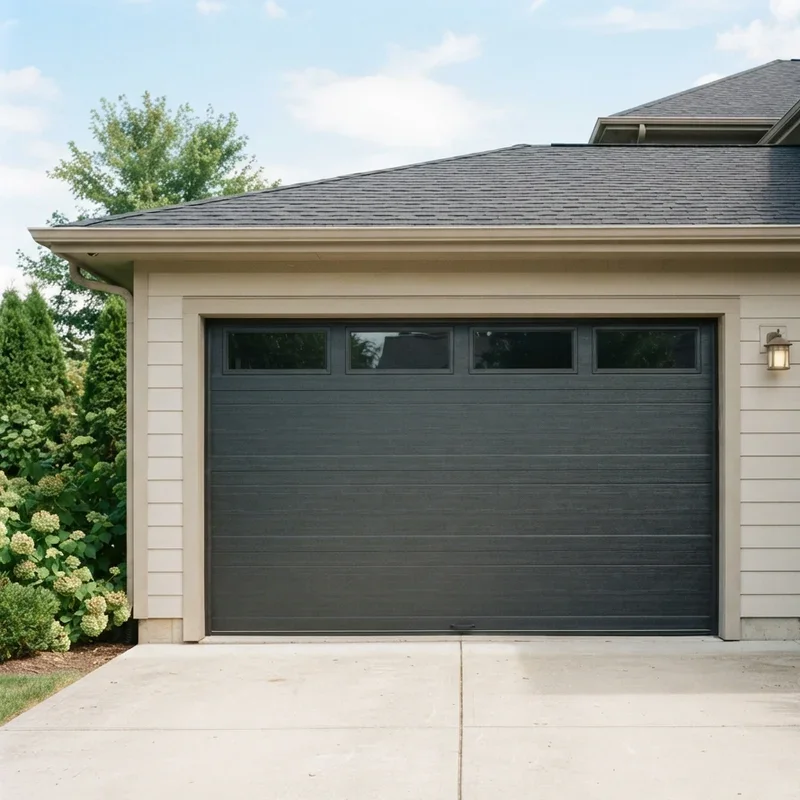
Top Devices That Let You Open Your Garage Door With Your Phone
Now that you understand how the technology works, let's talk about some of the most popular devices on the market. Each one has its own strengths and quirks, so the best choice for you will depend on your budget, your existing setup, and what features matter most.
Chamberlain myQ Smart Garage Hub
This is arguably the most well-known smart garage controller out there, and for good reason. The myQ hub works with most major garage door opener brands, including Chamberlain, LiftMaster, and Craftsman. Setup is a breeze, and the free myQ app gives you real-time notifications whenever your garage door opens or closes. You can also schedule automatic closing times, which is a lifesaver if you're the type who always forgets.
Meross Smart Garage Door Opener
If you're looking for something budget-friendly that still packs a punch, the Meross controller is worth a look. It works with Apple HomeKit, Amazon Alexa, and Google Assistant, giving you plenty of flexibility when it comes to voice control and smart home integration. The app is intuitive and responsive, and the device itself is compact enough to tuck away without drawing attention.
Tailwind iQ3
The Tailwind iQ3 is a favorite among tech enthusiasts who want a bit more automation in their lives. One of its standout features is auto-open and auto-close based on your phone's GPS location. As you drive toward your home, the garage door opens automatically. When you leave, it closes behind you. It's like having a personal doorman, except this one never calls in sick.
Genie Aladdin Connect
Genie's Aladdin Connect system is another solid option that works with most Genie and Overhead Door brand openers. It integrates nicely with Amazon Alexa and Google Assistant, and the app provides a clean, user-friendly interface. One neat perk is that it supports up to three garage doors on a single hub, making it ideal for households with multiple garage bays.
ismartgate
For those who want premium features and don't mind paying a bit extra, the ismartgate offers some impressive capabilities. It works with Apple HomeKit, Google Home, Amazon Alexa, Samsung SmartThings, and IFTTT. It also includes a camera option so you can visually confirm whether your garage is open or closed. Talk about peace of mind.
Setting Up Your Smart Garage Door Controller
Alright, so you've picked out your device. Now what? The good news is that installation is typically a DIY-friendly project. You won't need to hire an electrician or a technician in most cases. Here's a general overview of what the setup process looks like.
Step 1: Check Compatibility
Before you buy anything, make sure the smart controller you're eyeing is compatible with your existing garage door opener. Most product listings include a compatibility checker on their website. Just punch in your opener's brand and model number, and you'll know right away whether it'll work.
Step 2: Install the Hardware
Most smart garage controllers come with a sensor that attaches to your garage door and a hub unit that mounts near your opener motor on the ceiling. The sensor tells the system whether the door is open or closed, while the hub handles the communication between your phone and the opener. Installation usually involves sticking the sensor to the door with adhesive and connecting a couple of wires from the hub to the opener's terminals. The whole process typically takes about 20 to 30 minutes.
Step 3: Connect to Wi-Fi
Once the hardware is in place, you'll need to connect the hub to your home Wi-Fi network. This is done through the companion app on your phone. Just follow the on-screen prompts, enter your Wi-Fi password, and wait for the device to connect. A strong Wi-Fi signal in your garage is important here. If your router is far from the garage, you might need a Wi-Fi extender to ensure a stable connection.
Step 4: Test Everything
After setup is complete, give it a test run. Open and close the garage door a few times using the app to make sure everything is working properly. Check that notifications are coming through and that the door status updates accurately. It's better to catch any hiccups now than to discover them when you're miles away from home.
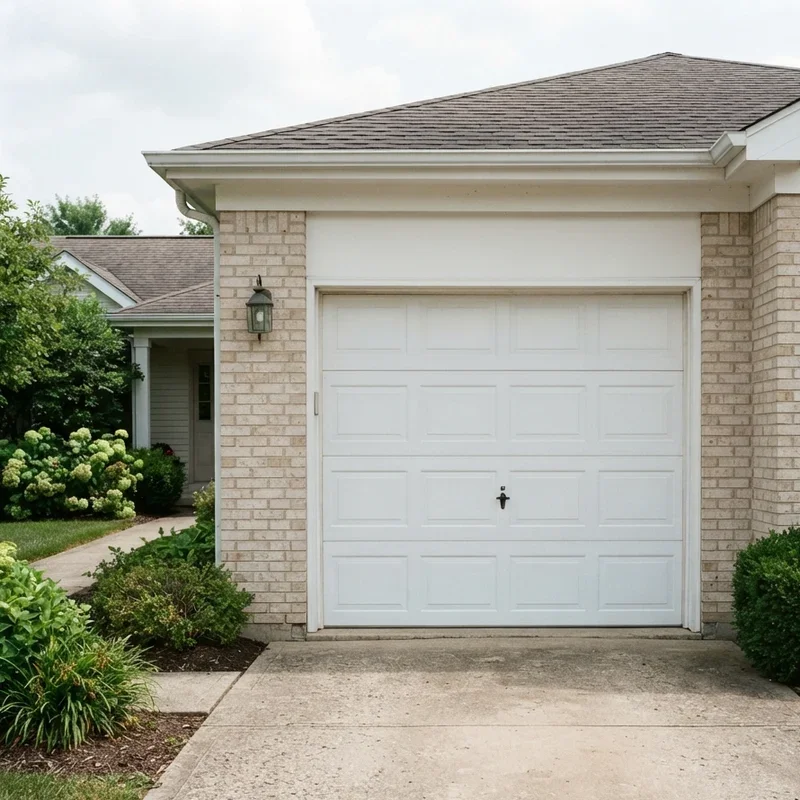
Can I Open My Garage Door With My Phone? Security Concerns You Should Know About
Whenever you connect something to the internet, security should be at the top of your mind. After all, your garage door is an entry point to your home, and the last thing you want is some stranger gaining access through a vulnerability in your smart controller. Let's talk about how to keep things locked down tight.
Use Strong Passwords
This one seems obvious, but you'd be surprised how many people use "password123" for their smart home devices. Create a unique, strong password for your garage door app and your Wi-Fi network. A combination of uppercase letters, lowercase letters, numbers, and special characters is your best bet.
Enable Two-Factor Authentication
If your app supports two-factor authentication, turn it on immediately. This adds an extra layer of protection by requiring a second form of verification, usually a code sent to your phone, before anyone can log in to your account. It's a small inconvenience that makes a big difference.
Keep Firmware Updated
Manufacturers regularly release firmware updates that patch security vulnerabilities and improve performance. Make it a habit to check for updates periodically, or enable automatic updates if the option is available. Running outdated firmware is like leaving a window cracked open for hackers.
Monitor Access Logs
Most smart garage apps keep a log of when the door was opened and closed, and by whom. Review these logs regularly to spot any unusual activity. If you see entries that don't match up with your schedule, investigate right away.
Limit Shared Access
Many apps allow you to share access with family members or trusted friends. While this is convenient, be mindful about how many people have control over your garage door. The fewer people with access, the lower the risk of unauthorized entry. And if someone no longer needs access, revoke their permissions promptly.
Benefits of Opening Your Garage Door With Your Phone
So why should you bother with all of this? Well, beyond the obvious cool factor, there are some genuinely practical benefits that make smart garage door control worth the investment.
Convenience at Your Fingertips
No more fumbling for remotes or digging through your bag to find the clicker. Your phone is already in your hand most of the time anyway, so it just makes sense to use it as your garage door controller too. Plus, you'll never have to worry about dead batteries in a remote again.
Remote Monitoring and Control
Forgot to close the garage? No sweat. Just pull up the app and close it from wherever you are. Expecting a delivery? Open the garage remotely so the package can be left inside safely. This kind of flexibility is something a traditional remote simply cannot offer.
Integration With Other Smart Devices
Most smart garage controllers play nicely with other smart home platforms. You can set up routines where your garage door opens automatically when you arrive home and your lights turn on at the same time. Or create a "goodnight" routine that checks whether the garage is closed, locks the front door, and dims the lights. The possibilities are practically endless.
Enhanced Home Security
With real-time alerts and activity logs, you always know the status of your garage door. Some systems even include cameras that let you see who's at the door before you open it. This added visibility goes a long way toward keeping your home safe and secure.
Increased Home Value
Believe it or not, smart home features can boost your property's resale value. Buyers these days love homes that come with modern technology already installed. A smart garage door controller is a relatively small investment that can make your home more attractive to potential buyers down the road.
Common Issues and How to Troubleshoot Them
No technology is perfect, and smart garage controllers are no exception. Here are some common problems you might run into and how to fix them.
The App Won't Connect
If your app can't seem to connect to the controller, the first thing to check is your Wi-Fi connection. Make sure your router is working and that the garage controller is within range. Restarting both your router and the controller often does the trick. If the problem persists, try uninstalling and reinstalling the app.
Delayed Response Times
If there's a noticeable lag between tapping the button and the door actually moving, it could be a Wi-Fi signal issue. Weak signals lead to slow communication between your phone and the controller. Consider adding a Wi-Fi extender near your garage or upgrading to a mesh network system for better coverage.
False Notifications
Getting alerts that say your garage door opened when it didn't? This usually means the sensor is misaligned or has come loose. Check the sensor's placement on the door and make sure it's securely attached. Cleaning the sensor with a dry cloth can also help if dust or debris is interfering with its readings.
The Door Opens but Won't Close
If your garage door opens with the app but refuses to close, the issue might be with the safety sensors at the bottom of the door tracks. These sensors prevent the door from closing if they detect an obstruction. Make sure nothing is blocking the sensor's path and that the sensors are properly aligned.
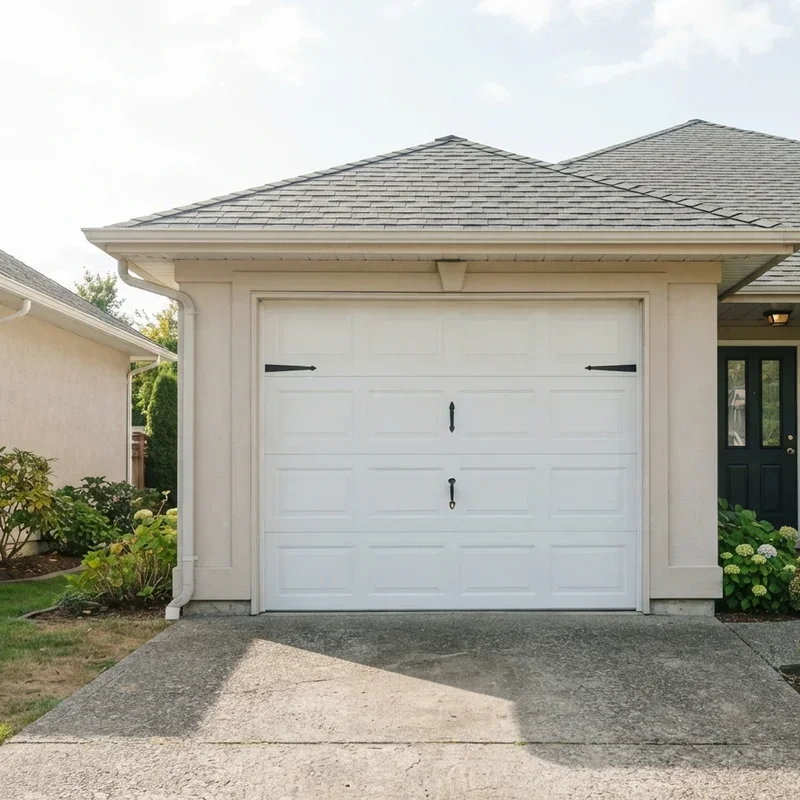
Voice Control: Taking It One Step Further
Once you've got your garage door connected to your phone, why stop there? Most smart garage controllers are compatible with popular voice assistants like Amazon Alexa, Google Assistant, and Apple's Siri. This means you can open or close your garage door with nothing more than a voice command.
Imagine pulling into your driveway with your hands full of groceries and simply saying, "Hey Siri, open the garage door." It doesn't get much more convenient than that. Just make sure to set up appropriate security measures so that unauthorized people can't use voice commands to access your garage.
The Future of Smart Garage Access
The technology behind smart garage door control is evolving fast. We're already seeing features like geofencing, which automatically opens your garage as you approach and closes it when you leave. Some systems are experimenting with facial recognition and license plate detection for even more seamless access. And as 5G networks become more widespread, response times and reliability will only get better.
It's safe to say that the days of the standalone garage remote are numbered. Your phone is quickly becoming the universal remote for your entire home, and the garage door is just one more piece of the puzzle.
Conclusion
So, can I open my garage door with my phone? Absolutely, and it's one of the smartest upgrades you can make to your home. With affordable devices, simple installation, and robust app features, controlling your garage from your smartphone has never been easier. Whether you want the convenience of remote access, the peace of mind from real-time alerts, or the cool factor of voice control, going smart with your garage door is a decision you won't regret. Pick a controller that fits your needs, follow the setup steps, and enjoy a more connected home life.
Read next: How to Clean Garage Floor: Step-by-Step Guide
Frequently Asked Questions
1.Can I open my garage door with my phone if my opener is old?
Yes, most smart controllers work with garage door openers manufactured after 1993 without issues.
2.Do I need Wi-Fi to control my garage door from my phone?
Yes, a stable Wi-Fi connection in your garage is necessary for remote smartphone garage control.
3.Is it safe to open my garage door using a phone app?
Absolutely, modern apps use encryption and two-factor authentication to keep your garage door secure.
4.Can multiple family members control the garage door from their phones?
Yes, most smart garage apps allow you to share access with multiple users easily.
5.What happens if my internet goes out while using phone control?
Your traditional wall button and remote will still work normally even without internet access.
Stay up to date with our latest ideas!